Photography Tips · Brussels
Google Business Profile Photos for Restaurants: What to Show and Why
I'd show four things on a restaurant's Google profile, all in real, recent photos: the facade, so guests find the door; the dining room as it looks during service; the dishes people come back for; and the people who cook and serve. Google asks for sharp, well-lit images that represent reality, which suits a restaurant just fine.
Where a lot of decisions happen
A guest may never open your website. Scrolling the photos on Google Maps and checking the opening hours is enough to decide. For that person, the photo grid on your profile is the menu and the room at the same time.
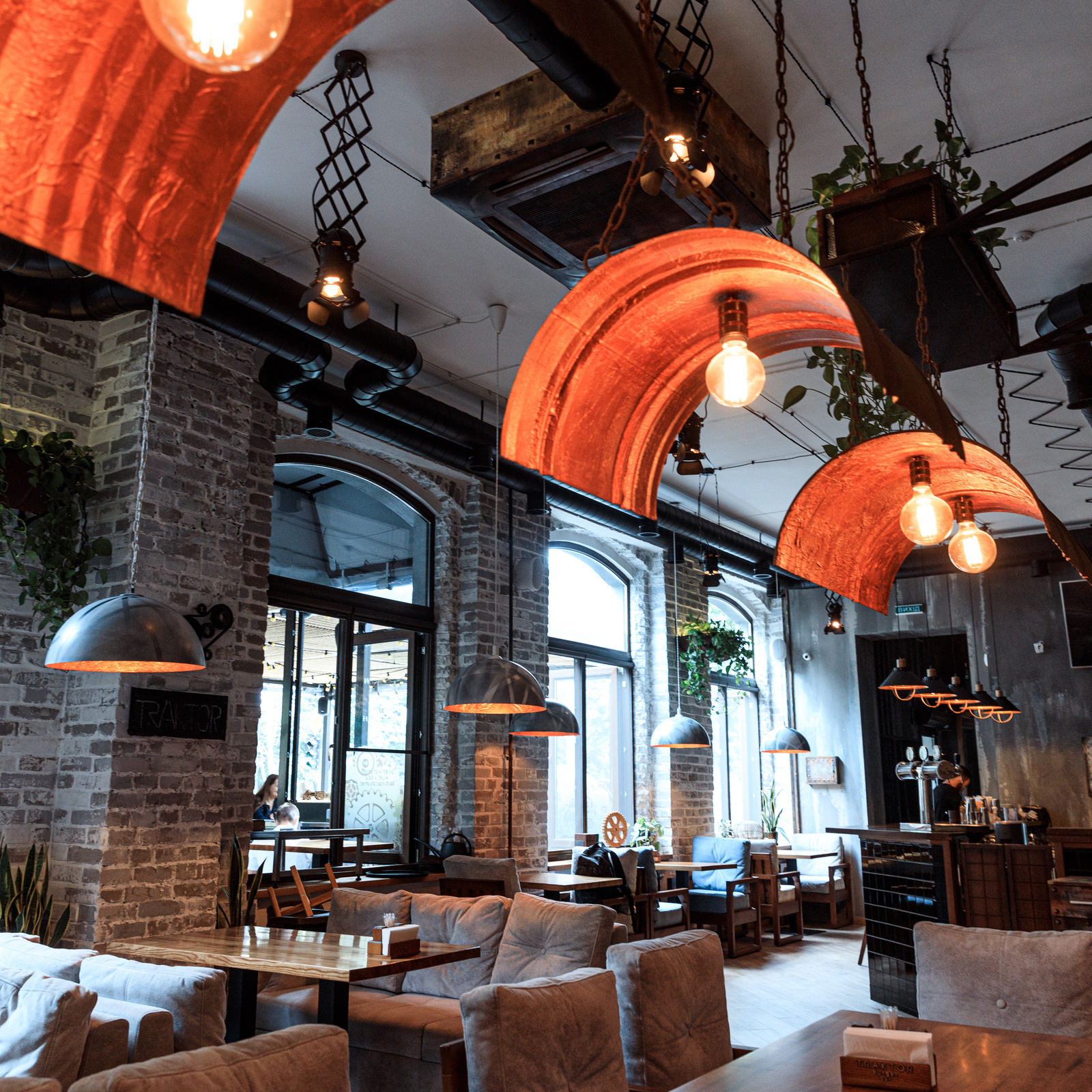
You share that grid with your guests. They can upload their own pictures of your plates, often taken on a phone in candlelight. You can't stop that (and you wouldn't want to). What you can do is make sure your own photos keep the overall picture accurate.
What Google asks for
Google's help page on business photos says JPG or PNG, between 10 KB and 5 MB, ideally 720 by 720 pixels and at least 250 by 250. In focus, well lit, without heavy edits or filters. The image should represent reality.
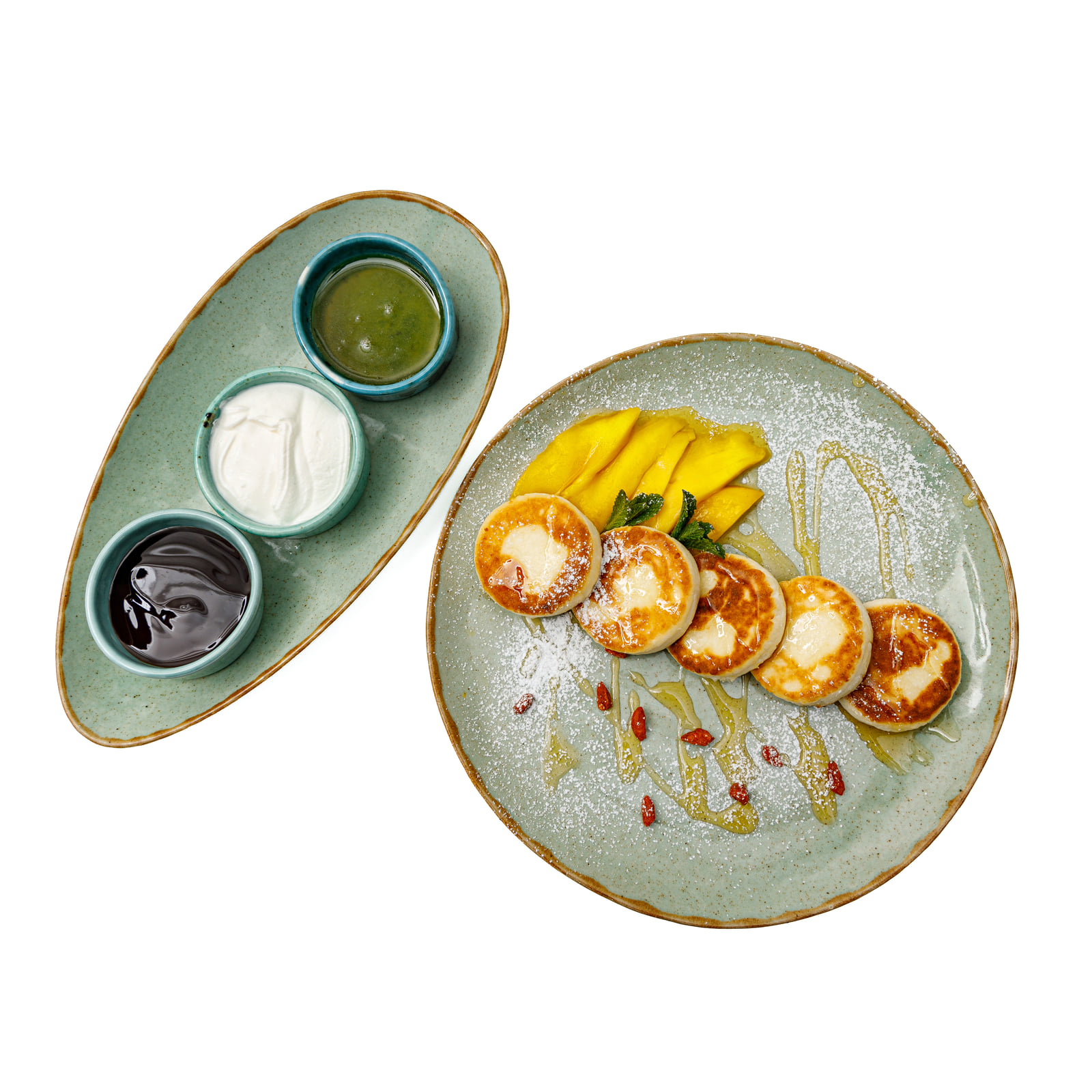
You can set a cover photo, but Google says that doesn't guarantee it's shown first. If it's low quality, another image may appear instead, sometimes one from a customer. So I'd rather give the profile several strong photos than pin everything on one.
Facade first, then the room
Start with the facade in daylight: the sign readable, the terrace chairs out if you have them. Someone walking down an unfamiliar street with Maps open should recognise your front from the photo. Then the dining room, ideally with the lights on and tables set, so it looks like an evening and not a closed Tuesday morning.
If there are people in the room, I use staff or guests who've agreed in writing. Anyone else stays out of focus or is photographed from behind.
The dishes people come back for
I wouldn't put the whole menu on Google. Pick the plates people order again and again, and shoot them in one consistent style so the profile looks like one kitchen. Add the chef at the pass and one frame of the team mid-service. Guests like to see who's cooking for them.
Keep the dishes current, too. A photo of something that left the menu in spring leads to an awkward moment when a guest asks for it. How often to refresh is covered in how often a Brussels restaurant should refresh its photos.
Phone photos or a proper shoot
Your own phone photos are perfectly fine for a weekly special or a new dessert you want to show tonight. For the photos that stay on the profile for months (facade, room, signature dishes), one planned session gives you a set that matches. My restaurant sessions include the rights for the Google Business Profile along with your website and menus, with no time limit.
What a restaurant session includes is on the food photography page, and the rates are on the price list.
Want your Google profile to show the restaurant at its best?
See my estimate