Photography Tips · Brussels
Bol.com Image Requirements for Sellers: What Still Applies and What Is Advice
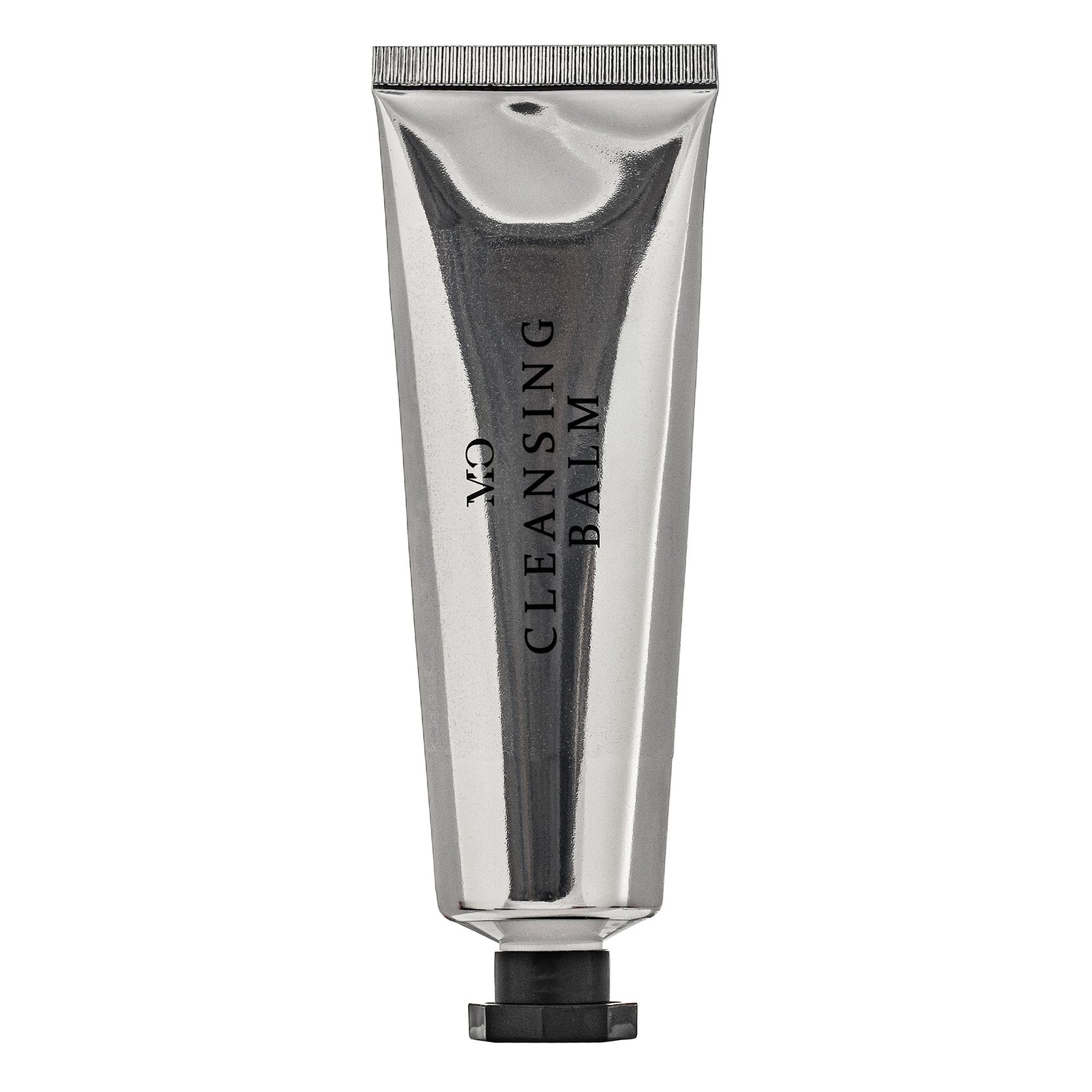
Bol.com wants a main image of at least 500 by 500 pixels, showing the front of the product out of its packaging on a white background with no visible shadows. No text or logos on it. Since 1 July 2025 bol no longer enforces most of its image guidelines, but it still enforces the rules against self-promotion, and the size limits still trigger an error.
The numbers
According to bol's partner platform (I checked it in October 2026), an image file must be between 30 KB and 10 MB, and between 500 by 500 and 6000 by 6000 pixels. White space around the product doesn't count towards those pixels. Zoom only works from 1200 by 1200, so I'd treat that as your real minimum.
Bol also processes what you upload. It crops white margins automatically and compresses the files, and exact duplicates aren't loaded. If an image falls outside the minimum or maximum size, you'll get an error message.
What the main image should look like
The front of the item, on a white, neutral background with no visible shadows. The product comes out of its packaging, with exceptions for things like board games, and a packed version is only allowed if the unpacked item is shown too. No models, no text. And no combined front, side and back views squeezed into one picture.
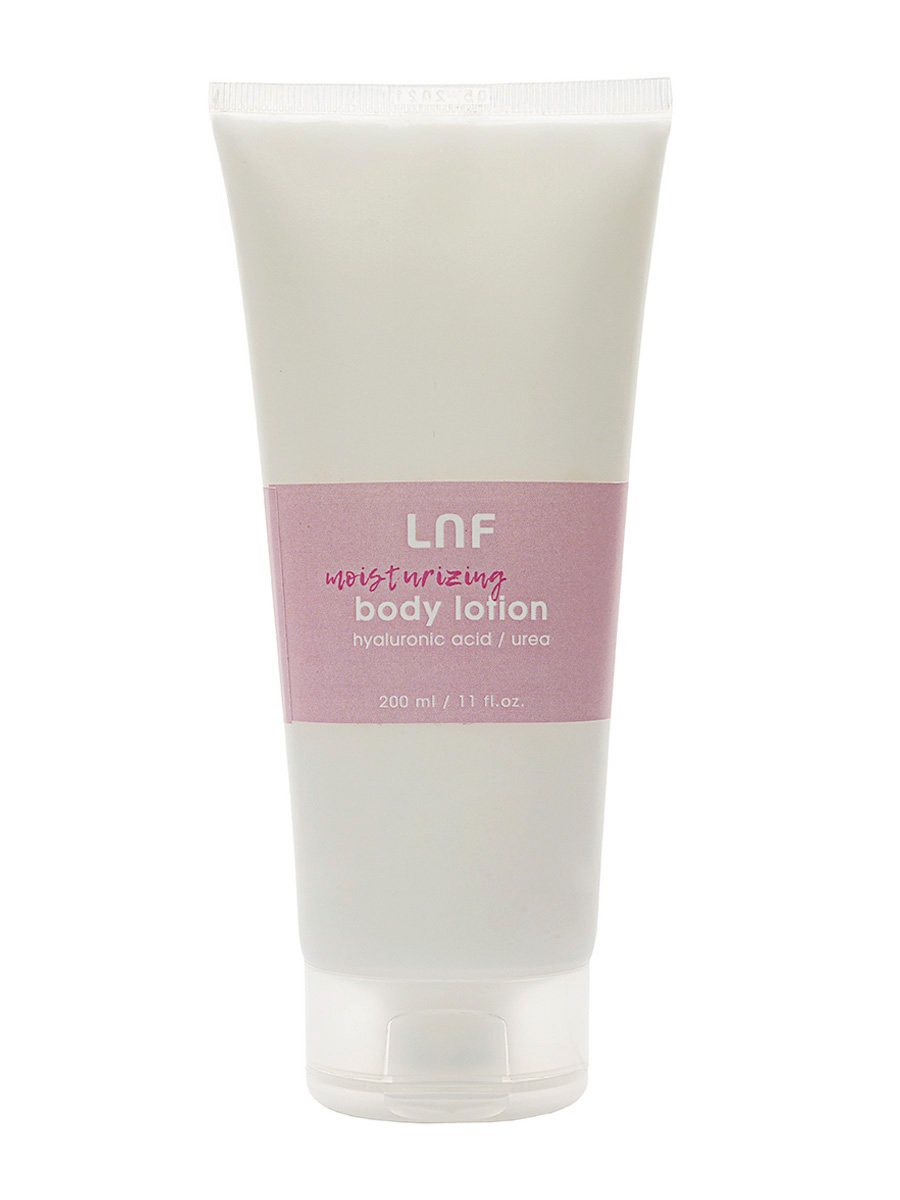
The guidelines are clear that the main image shouldn't be a lifestyle photo or an illustration. Keep the scene with the product in a living room for the additional images.
What's still enforced
Here's the part that changed. From 1 July 2025, bol writes that it no longer enforces its guidelines about images, because they have no direct consequence for the customer and are meant to improve visibility on bol and Google. The rules on self-promotion are still enforced.
In practice that means no discount labels or watermarks, and no company names or logos on the image. No Kieskeurig or Consumentenbond stickers, no phrases like free shipping, no comparisons with other products, no reviews. And images copied from Google Images aren't allowed either.
Additional images
Bol suggests adding as many images as possible from different perspectives, at least one straight from the front, filling the frame, plus the details that matter. Only the item and its accessories belong in them. Backgrounds stay white, except in lifestyle images.
For a typical product I'd plan the front, a couple of angles, a detail of the material and one lifestyle frame at the end. The rules on Amazon and other marketplaces overlap a lot; I compared them in Amazon and marketplace photo requirements.
Doing it yourself or booking a shoot
For a few products, your own phone photos on a sheet of white card near a window can pass bol's size limits. Where it gets hard is a white background without shadows, and the same crop across a whole range. That's the point where a packshot session saves time.
Packshots are priced per image, and marketplace-ready listings are a separate package; both are on the price list. The session itself is described on the commercial photography page.
Selling on bol.com and need clean product photos?
See my estimate